
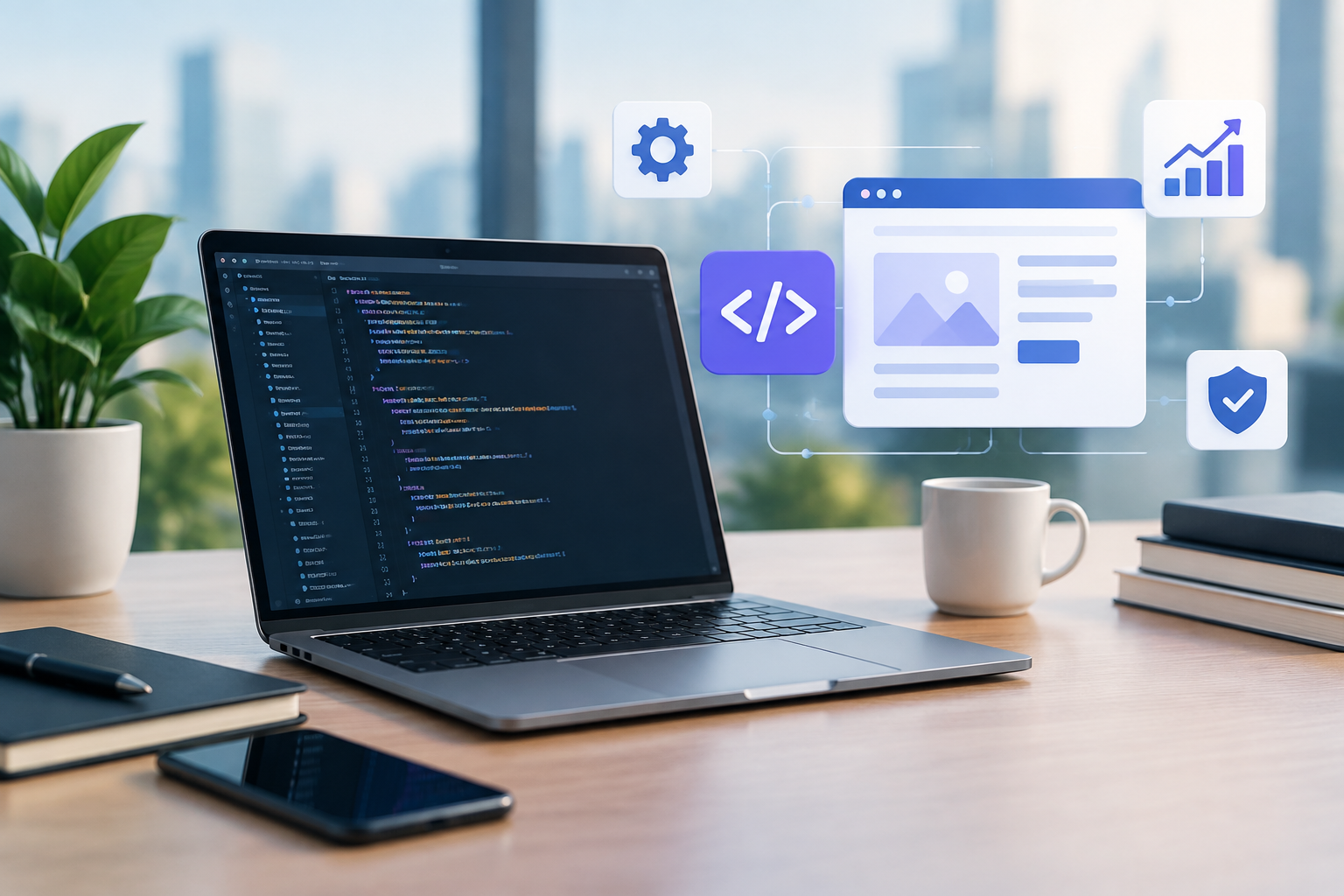
PHP Development for Business Websites: Benefits, Process, and Best Practices

PHP development remains a practical choice for businesses that need reliable, flexible, and maintainable websites or web applications. From content-driven company websites to customer portals, ecommerce platforms, and internal business tools, PHP can support projects of many sizes and levels of complexity.

The technology is especially valuable when it is applied with a clear development strategy. Choosing the right architecture, framework, hosting environment, security practices, and maintenance plan can have a direct impact on your website’s performance and long-term value.

What Is PHP Development?

PHP is a server-side programming language used to create dynamic websites and web applications. Unlike static HTML pages, PHP can process user input, communicate with databases, manage accounts, generate personalized content, and connect with external services.

For example, when a customer logs in, places an order, submits a contact form, or views information based on their account, PHP can handle the server-side logic behind that interaction.

PHP development may involve:

  • Custom business websites and web applications
  • Content management system customization
  • Ecommerce development and integrations
  • Customer portals and membership platforms
  • Database-driven dashboards
  • API development and third-party integrations
  • Website upgrades, optimization, and ongoing maintenance

For businesses, the main benefit is not the language itself. The value comes from building a website that supports specific operational, marketing, and customer service goals.

Why Businesses Choose PHP

Flexible for different project types

PHP can be used for a simple marketing website, a feature-rich ecommerce store, or a custom platform with multiple user roles. This flexibility allows development teams to select an approach that matches the project rather than forcing every business into the same solution.

Works well with popular platforms

Many widely used content management and ecommerce platforms are built with PHP. This makes it possible to customize existing systems, develop extensions, connect external tools, and improve functionality without rebuilding every feature from the beginning.

If your business already uses a PHP-based platform, a development team can often improve the existing website through targeted changes. This may be more practical than replacing a stable system that already meets most of your requirements.

Supports database-driven functionality

Business websites often need to store and retrieve information such as products, customer records, bookings, articles, orders, or support requests. PHP works with common database systems and can be used to create structured workflows around that data.

Can be adapted as your business grows

A well-planned PHP application can evolve over time. New features, integrations, user roles, reporting tools, and automation can be added as business needs change. Scalability depends on architecture, hosting, code quality, and database design, so these factors should be considered from the start.

Common PHP Development Services

Custom website development

Custom PHP development is useful when standard themes or plugins cannot support your requirements. A custom website can be designed around your brand, content structure, sales process, and internal workflows.

Examples include a service website with quote requests, a booking system with availability rules, or a secure portal where clients can download documents and monitor project updates.

PHP framework development

Frameworks provide organized structures and reusable tools for building applications. They can help developers manage routing, authentication, database interactions, validation, and other recurring tasks in a consistent way.

The right framework depends on the project’s objectives, existing codebase, team expertise, hosting environment, and maintenance requirements. A framework should support the business plan rather than be selected only because it is popular.

CMS customization

Businesses often need more than the default features provided by a content management system. PHP developers can create custom templates, plugins, modules, content types, integrations, and administrative tools.

Customization should be implemented carefully. Poorly structured changes can make future updates difficult, create security risks, or cause conflicts between extensions. Using documented and maintainable code is important for the website’s long-term stability.

Ecommerce development

PHP can support ecommerce functionality such as product catalogs, shopping carts, checkout processes, customer accounts, order management, and payment integrations. Development may also include connections to inventory, accounting, shipping, email marketing, or customer relationship management systems.

Because ecommerce involves sensitive customer and payment information, security, data validation, access control, and reliable updates should be treated as core requirements rather than optional improvements.

Key Considerations Before Starting a PHP Project

Define business objectives

Start with the outcome you want to achieve. The objective might be generating more qualified leads, reducing manual administration, improving customer self-service, or launching a new digital product.

Clear objectives help determine which features are essential and which can be postponed. A practical first release is often easier to test, measure, and improve than an oversized project with unclear priorities.

Document required functionality

List the main users, actions, content types, integrations, and administrative tasks. For example, an appointment platform may need customer registration, calendar availability, automated notifications, payment processing, and staff management.

Include edge cases as well. Consider what should happen when a payment fails, a user enters invalid information, two people request the same time slot, or an external service becomes unavailable.

Plan integrations early

Third-party integrations can affect the architecture and development timeline. Identify required services before development begins, including payment providers, email platforms, analytics tools, CRM systems, shipping services, and business databases.

API documentation, authentication methods, usage limits, and data formats should be reviewed during the planning stage.

Consider hosting and maintenance

The hosting environment should match the application’s technical requirements. Factors may include PHP version support, database capacity, server resources, backups, staging environments, deployment procedures, and monitoring.

Before launch, establish who will handle updates, security checks, backups, bug fixes, performance reviews, and future improvements. You can also review related guidance on website maintenance when planning your long-term support process.

PHP Security Best Practices

Security should be incorporated throughout the development lifecycle. Common practices include:

  • Keeping PHP, frameworks, platforms, libraries, and plugins updated
  • Using supported software versions whenever possible
  • Validating and sanitizing user input
  • Using prepared statements for database queries
  • Protecting authentication and session management
  • Applying least-privilege access to accounts and services
  • Using HTTPS and secure password storage
  • Creating tested backups and a recovery process
  • Limiting administrative access and monitoring unusual activity

Security is not a one-time task completed at launch. New vulnerabilities, dependencies, integrations, and business processes can introduce risks over time. Regular reviews are essential for websites that handle personal information, transactions, or confidential business data.

Performance and User Experience

PHP performance depends on more than server-side code. Database queries, image sizes, third-party scripts, caching, hosting configuration, and frontend implementation can all affect the user experience.

A development team may improve performance by reducing unnecessary database queries, optimizing assets, implementing appropriate caching, reviewing slow processes, and using monitoring data to identify bottlenecks.

Performance work should be based on measurement rather than assumptions. Testing important user journeys, such as searching products or submitting a form, can reveal problems that are not visible from a basic homepage review.

How to Choose a PHP Development Partner

The right development partner should understand both technology and business operations. When evaluating providers, ask about:

  • Experience with projects similar to yours
  • Their approach to discovery, planning, and documentation
  • Security and quality assurance procedures
  • Testing across devices, browsers, and user roles
  • Communication during development
  • Deployment, training, and post-launch support
  • How they handle existing code and third-party integrations

Ask for a clear explanation of deliverables, assumptions, timelines, and ongoing costs. A professional team should be able to explain technical decisions in business terms and identify risks before they become expensive problems. If you are comparing providers, an internal link to your web development services page can help prospective clients understand your capabilities.

Build a PHP Solution That Supports Your Business

PHP development can provide a strong foundation for websites and applications when the project is planned around real business requirements. The best results come from combining sound architecture, secure coding, practical functionality, responsive design, reliable hosting, and ongoing maintenance.

Whether you need a new business website, a custom portal, an ecommerce solution, or improvements to an existing PHP platform, Sarrloop can help you plan and develop a solution aligned with your goals. Contact our team to discuss your PHP development project.

Related: Laravel Development for Scalable, Secure, and High-Performing Business Websites

Related: Shopify Liquid Customization: A Practical Guide for Better Storefronts

Related: WooCommerce Development: Build a Scalable Online Store That Converts

Need help with your website?
🚀 Hire Me for WordPress

Website Bug Fixing: How to Find, Repair, and Prevent Costly Website Issues

A website that looks fine on the surface can still contain bugs that frustrate visitors, reduce conversions, weaken search performance, or create security concerns. A broken form, slow page, mobile layout problem, or checkout error can affect your business long before someone reports it.

Website bug fixing is the process of identifying, repairing, testing, and monitoring technical problems across a website. It is not limited to correcting visible errors. Effective bug fixing also involves finding the cause of an issue, checking whether the repair affects other features, and reducing the likelihood of the same problem returning.

For website owners, a structured approach is essential. Random changes may temporarily hide an error while creating new problems elsewhere. A clear process helps protect your content, customer experience, website data, and revenue.

What is a website bug?

A website bug is an unexpected behavior or technical defect that prevents a website from working as intended. Some bugs are obvious, such as a page that will not load. Others are less visible, such as incorrect tracking data, broken redirects, or a form that appears to submit but never reaches the business.

Common examples include:

  • Broken links or pages returning server errors
  • Contact, registration, or checkout forms that fail
  • Images, menus, or buttons that do not display correctly
  • Mobile layouts with overlapping or unreadable content
  • Slow-loading pages caused by scripts, plugins, or large media files
  • Incorrect calculations, filters, search results, or product information
  • JavaScript errors that stop interactive features from working
  • Incorrect redirects, canonical tags, or indexing instructions
  • Compatibility problems across browsers or devices
  • Security warnings, suspicious code, or unauthorized website changes

Why fixing website bugs matters

Even a small technical issue can create a poor experience at an important point in the customer journey. If a visitor cannot complete a form or find a product, the business may lose an opportunity without knowing exactly why.

Website bugs can also affect internal operations. For example, a failed form may prevent sales enquiries from reaching a CRM, while an incorrect booking function can create scheduling problems for staff. Errors in analytics can make it difficult to understand which marketing channels are producing results.

Search visibility may also be affected when important pages are inaccessible, duplicated, blocked from crawling, or slowed by technical problems. Bug fixing should therefore be considered part of website maintenance, not merely an emergency response.

Common causes of website bugs

Theme and template conflicts

Changes to a theme or template can affect page layouts, navigation, forms, and other shared components. A customization that works on one page may unintentionally alter every page using the same template.

Plugin and extension conflicts

Third-party plugins often add useful features, but they may rely on different libraries, settings, or versions. Two plugins can conflict, or an update can change how an existing integration works.

Outdated software

Content management systems, themes, plugins, and server software require updates for compatibility, performance, and security. Delaying updates can leave a website exposed to known problems, although updates should be tested before being applied to a critical live site.

Custom code errors

Custom PHP, JavaScript, CSS, or API integrations provide flexibility but can introduce syntax errors, incorrect conditions, failed requests, and unexpected interactions with other systems.

Server and hosting issues

Not every problem originates in the website code. Server configuration, memory limits, database errors, expired certificates, DNS settings, and hosting outages can all cause website failures.

Content and configuration mistakes

A missing image, incorrect URL, invalid form setting, unpublished page, or misconfigured payment option can look like a development problem even when the underlying code is working correctly.

A practical website bug-fixing process

1. Reproduce the problem

Start by confirming the error. Record the page address, device, browser, user account or role, and exact steps that cause the problem. A bug that appears only on mobile or only for logged-in users requires a different investigation from a problem affecting every visitor.

Take screenshots or screen recordings when helpful. Note any error messages and the time the issue occurred. Clear reproduction steps make diagnosis faster and help verify the repair later.

2. Assess the impact

Prioritize issues according to business and technical risk. A broken checkout, account login, or lead form usually deserves immediate attention. A minor spacing issue on an internal page may be scheduled for a later maintenance window.

Useful questions include:

  • How many visitors or customers are affected?
  • Does the bug block a key business function?
  • Is personal, payment, or business data at risk?
  • Does the problem affect search engine access or indexing?
  • Is there a temporary workaround?

3. Check recent changes

Review recent deployments, plugin updates, theme edits, content changes, server migrations, and configuration adjustments. The timing of a bug often provides an important clue. If the problem appeared directly after an update, test that change in a safe environment rather than immediately editing unrelated files.

4. Inspect logs and technical errors

Browser developer tools can reveal JavaScript errors, failed network requests, missing files, and blocked resources. Server logs may show PHP errors, database failures, permission problems, or request timeouts. Analytics and form-delivery records can help identify issues that are not visible in the browser.

5. Isolate the cause

Test one variable at a time. For example, temporarily disable a suspected plugin in a staging environment, switch to a standard theme, or test the API connection separately. Avoid making many changes at once because it becomes difficult to determine which change solved or caused the problem.

6. Apply the repair safely

Back up the website and database before making significant changes. Whenever possible, perform the repair in a staging environment. This allows developers to test code, updates, and configuration changes without disrupting visitors.

The right solution should address the underlying cause. Reinstalling a plugin may remove a symptom, but it will not solve an incompatible integration or incorrect custom code. A durable fix should be documented so future maintenance is easier.

7. Test the complete user journey

Do not test only the exact element that failed. If a contact form was repaired, submit it from different devices, confirm validation messages, check email delivery, and verify that the enquiry reaches any connected CRM. If a checkout issue was fixed, test product selection, cart updates, payment processing, confirmation messages, and order records.

Also check related areas, including:

  • Desktop, tablet, and mobile layouts
  • Major modern browsers used by your audience
  • Logged-in and logged-out experiences
  • Accessibility features such as keyboard navigation and readable error messages
  • Page speed, tracking, redirects, and search visibility

8. Monitor after deployment

A fix is not complete until the website has been observed after release. Review error logs, analytics events, form submissions, uptime notifications, and customer feedback. Monitoring can reveal whether the problem has returned or whether the change created a new issue under real traffic.

Examples of website bug fixing

Example: A contact form appears to work but no enquiry arrives

The visible form may submit successfully while the email service rejects the message. Investigation should include browser errors, server logs, SMTP or email service settings, spam filtering, and the form recipient configuration. The repair may involve correcting authentication, updating an integration, or adding a reliable notification process.

Example: A website looks broken on mobile

The cause may be a fixed-width element, oversized image, conflicting CSS rule, or script that prevents the navigation menu from opening. Testing at several screen widths helps identify whether the issue affects one component or the entire responsive layout.

Example: A page suddenly returns a 500 error

A 500 error indicates a server-side failure, but the cause can vary. Recent code changes, plugin conflicts, PHP version compatibility, memory limits, and database problems should be reviewed. Restoring a backup may provide a temporary recovery, but the underlying cause should still be identified before normal updates resume.

How to prevent recurring website bugs

Prevention is more efficient than repeatedly repairing the same failures. Website owners can reduce risk by:

  • Keeping a tested backup and documented recovery process
  • Using a staging environment for major updates
  • Updating the CMS, themes, plugins, and server components responsibly
  • Removing unused plugins, scripts, and integrations
  • Using version control for custom code where appropriate
  • Scheduling regular security, performance, and functionality checks
  • Monitoring uptime, forms, transactions, and important conversion events
  • Documenting changes, known issues, and completed fixes
  • Testing critical customer journeys after every significant release

A maintenance plan should reflect the importance of the website. A small brochure site may need periodic reviews, while an ecommerce store, membership platform, or booking system may require more frequent monitoring and release testing.

When to hire a professional website developer

Professional help is advisable when a bug affects payments, customer data, security, business-critical forms, or a large number of visitors. Developers can also help when the cause is unclear, several systems are connected, or previous fixes have produced inconsistent results.

Before work begins, provide the symptoms, reproduction steps, recent changes, error messages, and the business impact. This information helps a developer diagnose the problem more efficiently and estimate the work more accurately.

For ongoing reliability, consider combining bug fixing with a broader website maintenance plan. Regular checks can identify problems before customers report them and keep technical improvements organized.

Keep your website reliable

Website bug fixing is not just about correcting a broken button or removing an error message. It is a disciplined process of diagnosis, safe repair, complete testing, and continued monitoring. When technical issues are handled systematically, website owners can protect customer experience, reduce operational disruption, and make better decisions about future improvements.

If your website has a recurring bug, an unexplained performance problem, or a feature that no longer works as expected, Sarrloop can help investigate and resolve it. Contact Sarrloop to discuss your website bug-fixing needs and plan a practical next step.

Related: PHP Development for Modern Businesses: Benefits, Process, and Best Practices

Related: E-commerce Customization: How to Build a Store That Converts and Scales

Related: How to Fix Shopify Webhook Failures and Keep Order Data in Sync

Need help with your website?

View My Fiverr Service

Chat with us
Sarrloop © 2026. All Rights Reseved. Developed by Sarrloop.