
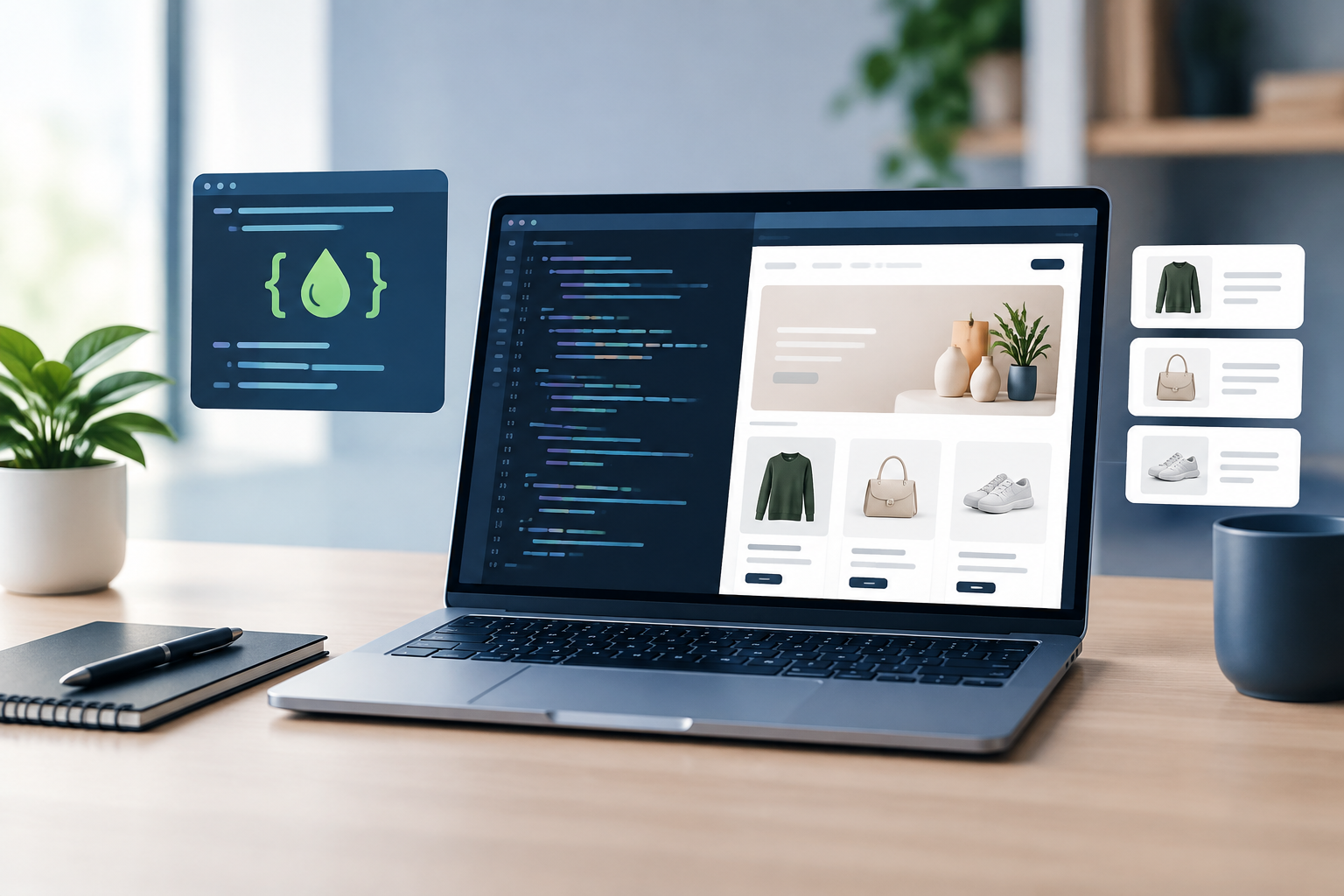
Shopify Liquid customization gives store owners and developers more control over how a Shopify storefront looks, behaves, and presents product information. While Shopify themes provide a strong foundation, Liquid makes it possible to adapt templates to specific business requirements without rebuilding an entire store from scratch.
With the right approach, Liquid can support clearer product pages, more useful collection layouts, personalized content, and stronger merchandising experiences. This guide explains what Shopify Liquid is, what you can customize, and how to make changes safely and effectively.
What Is Shopify Liquid?
Liquid is Shopify’s template language. It combines store data with HTML to generate dynamic content on the storefront. Instead of manually creating a separate page for every product, Liquid allows a theme to display information from products, collections, customers, carts, and other Shopify objects.
Liquid uses three main concepts:
- Objects: These output store data, such as a product title or price.
- Tags: These control logic, including conditions, loops, and template rendering.
- Filters: These modify output, such as formatting a price or changing text.
A simple example looks like this:
<h2>{{ product.title }}</h2>This code displays the title of the current product. A conditional statement could show a message only when a product is available:
{% if product.available %}
  <p>In stock and ready to ship</p>
{% else %}
  <p>Currently unavailable</p>
{% endif %}
Liquid does not replace HTML, CSS, or JavaScript. Instead, it works alongside them to create a storefront that is both dynamic and visually consistent.
What Can You Customize With Liquid?
Shopify Liquid customization can be used across many parts of a store. The right scope depends on the theme, Shopify plan, app setup, and the desired customer experience.
Product pages
Product templates are among the most common areas for Liquid changes. You can adjust how product titles, descriptions, variants, prices, badges, and availability messages are displayed.
For example, a store might show a special message for products tagged as seasonal:
{% if product.tags contains 'seasonal' %}
  <p class='product-note'>Limited seasonal availability</p>
{% endif %}
Other useful product page customizations include:
- Displaying product-specific information based on tags or metafields.
- Showing different content for selected product types.
- Adding care instructions, shipping notes, or warranty details.
- Changing the layout of product media, descriptions, or purchase options.
- Highlighting low-stock or preorder information when the data is available.
Collection pages
Collection templates can be customized to support different merchandising strategies. A business may want to feature a collection introduction, highlight a promotional category, or display a custom message above product grids.
Liquid can also help apply different layouts or content based on the collection handle, template, tags, or metafields. For example, a collection for furniture may need more descriptive content than a collection for small accessories.
Navigation and menus
Menus can be rendered dynamically using Liquid. This is useful when a store needs to show navigation items from Shopify’s menu settings while applying custom markup, icons, labels, or promotional elements.
However, navigation changes should be tested carefully. A small template error can affect multiple pages, particularly when the same header or footer is used throughout the theme.
Cart and checkout-related content
Liquid can customize cart page messaging, free-shipping progress information, cross-sell sections, and order notes. Checkout customization depends on Shopify’s available features and the store’s plan, so it is important to confirm what can be changed before planning the implementation.
Using Metafields for Flexible Store Content
Metafields are one of the most useful tools for Shopify Liquid customization. They allow a store to attach structured information to products, collections, customers, orders, and other resources.
Instead of placing every detail directly in a template, a business can create fields such as:
- Material or ingredients
- Technical specifications
- Care instructions
- Size guide content
- Delivery estimates
- Frequently asked questions
- Related product references
A product metafield can then be displayed conditionally in a theme:
{% if product.metafields.custom.material != blank %}
  <div class='product-detail'>
    <strong>Material:</strong>
    {{ product.metafields.custom.material.value }}
  </div>
{% endif %}
This approach gives merchants more control over content without requiring them to edit theme files every time product information changes. It also makes templates more reusable across different product categories.
Shopify Theme Architecture and Customization
Before editing Liquid, it helps to understand the structure of a Shopify theme. Common files include:
- Layouts: Global page wrappers, such as the main theme layout.
- Templates: Page-level structures for products, collections, blogs, and other resources.
- Sections: Modular storefront components that merchants can often configure in the theme editor.
- Snippets: Reusable pieces of markup used in multiple locations.
- Assets: CSS, JavaScript, images, and other supporting files.
Modern Shopify themes commonly use JSON templates and configurable sections. This allows merchants to rearrange content through the theme editor while Liquid controls the underlying output. A well-planned customization keeps reusable logic in snippets or sections instead of duplicating the same code in several templates.
For businesses planning broader changes, it may be useful to review our Shopify development services page and link to it internally from this section.
Best Practices for Shopify Liquid Customization
Duplicate the theme before making changes
Always work on a duplicated or development theme first. This creates a safer testing environment and allows the live storefront to remain available while changes are reviewed.
Use clear, limited conditions
Liquid conditions should be easy to understand. Excessively nested logic can make a template difficult to maintain and may increase the risk of unexpected output. If a rule becomes complicated, consider moving reusable logic into a snippet or using structured metafields.
Check for blank values
Store data is not always available. Products may have missing metafields, optional images, or incomplete descriptions. Use conditions to avoid empty containers and confusing spaces:
{% if product.description != blank %}
  <div class='product-description'>{{ product.description }}</div>
{% endif %}
Preserve accessibility
Customization should not sacrifice accessibility. Use semantic HTML, descriptive image alt text, visible focus states, meaningful button labels, and a logical heading structure. If a visual component depends on JavaScript, make sure important content remains understandable when scripts do not load as expected.
Consider performance
Liquid itself is only one part of storefront performance. Extra applications, large images, complex JavaScript, and excessive theme code can all affect page loading. Avoid unnecessary loops, repeated queries, and duplicate markup. Load functionality only where it is needed.
Test across real shopping journeys
Do not test only the homepage. Review product pages, collection filters, search results, cart behavior, customer accounts, mobile layouts, and any page affected by the edited section. Test products with different variants, tags, images, prices, and availability states.
Common Shopify Liquid Mistakes
Many theme problems come from small implementation oversights. Common examples include:
- Editing the live theme without creating a backup.
- Assuming every product has the same metafields or images.
- Hard-coding text that merchants need to update regularly.
- Changing shared snippets without checking every place they are used.
- Adding CSS or JavaScript that conflicts with existing theme styles.
- Using product tags as a substitute for structured data when metafields would be more reliable.
- Ignoring mobile behavior during layout changes.
When a change affects pricing, inventory, taxes, subscriptions, or checkout behavior, additional testing and platform-specific review may be required. Liquid should not be used to create misleading product information or bypass Shopify’s normal commerce rules.
When to Hire a Shopify Liquid Developer
Basic edits may be manageable for an experienced store owner, especially when using a modern theme with clearly named sections. Professional help becomes more valuable when a project involves several templates, custom metafield systems, third-party apps, advanced merchandising rules, or a redesign that must preserve existing functionality.
A developer can help with planning, theme architecture, code quality, responsive design, performance checks, and deployment. This is particularly useful for established stores where an error could affect sales, analytics, search visibility, or customer trust.
For related guidance, an internal link to a relevant resource such as Shopify theme development can help readers continue exploring the subject.
Build a More Flexible Shopify Store
Shopify Liquid customization is most effective when it solves a clear business or customer experience problem. Whether you need better product information, flexible collection layouts, improved merchandising, or reusable content components, Liquid can extend a theme without compromising the manageability of the store.
Start by documenting the desired outcome, identifying the Shopify data involved, and testing the change in a duplicate theme. If the customization touches several areas of the storefront, Sarrloop can help plan and implement a maintainable Shopify solution. Contact our Shopify development team to discuss your project.
Related: E-Commerce Customization: How to Build a Store That Converts and Scales
Related: JavaScript Development for Modern Businesses: Build Faster, Scalable Web Experiences
Related: API Integration for Businesses: A Practical Guide to Connected Systems
Need help with your website?