
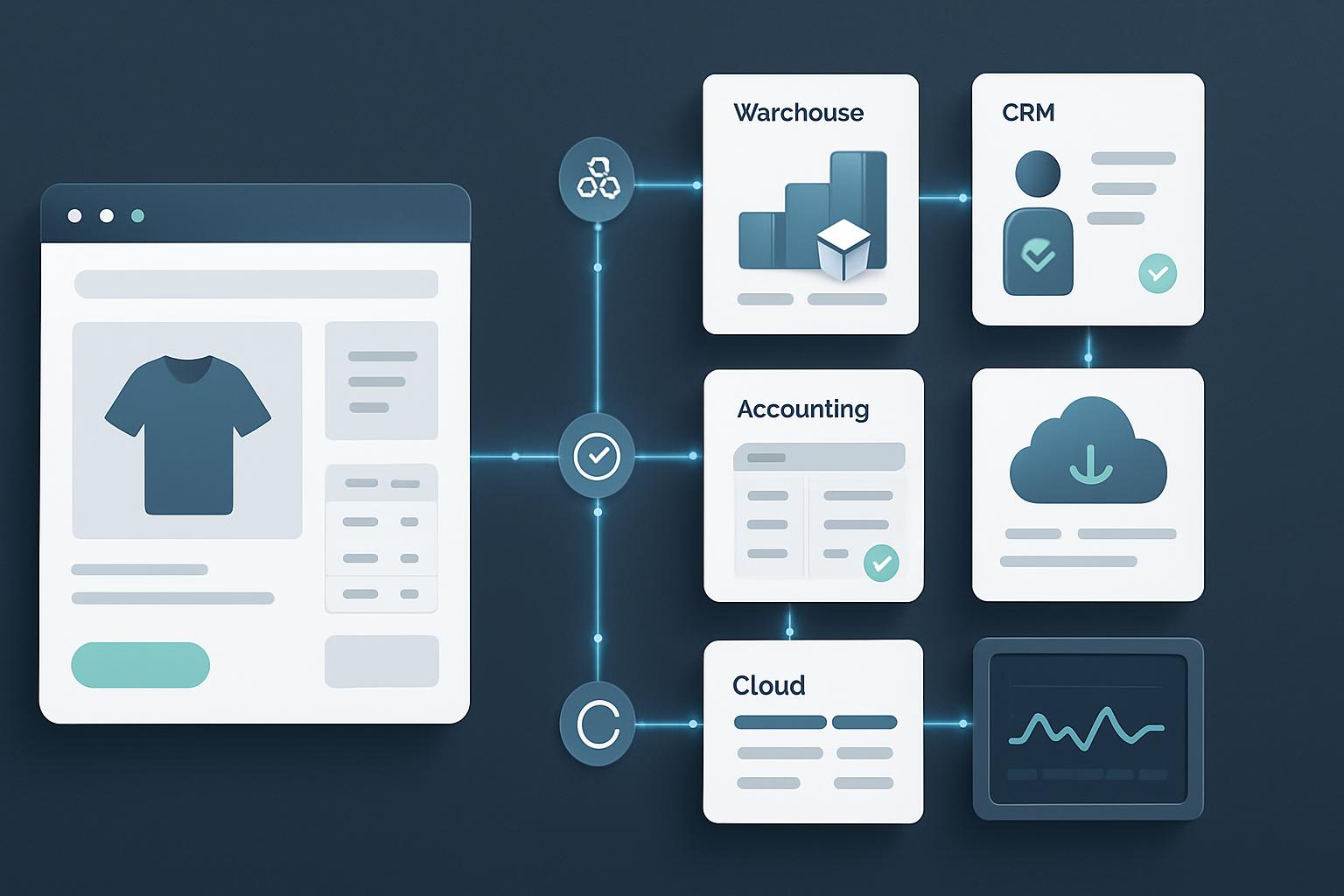
Shopify webhooks help external systems react to store events without constantly polling the Shopify Admin API. When an order is created, updated, fulfilled, cancelled, or refunded, Shopify can send an HTTP request to your application so your warehouse, CRM, accounting platform, or internal database can respond.
When webhook delivery fails, the effects can be serious. Orders may not reach a fulfillment system, customer records can become outdated, and duplicate processing may create incorrect invoices or inventory changes. The good news is that most webhook problems are traceable. A structured troubleshooting process can help you fix Shopify webhook failures and create a more reliable synchronization workflow.
Why Shopify Webhooks Fail
A webhook is only as reliable as every part of the delivery chain. Shopify must send the request, your public endpoint must accept it, your application must authenticate and process it, and any downstream service must complete its own task. A failure at any stage can interrupt order synchronization.
Common causes include:
- The webhook URL is incorrect, unavailable, or not publicly accessible.
- The endpoint returns a non-success HTTP status such as 401, 403, 404, 429, or 500.
- The server takes too long to respond because it performs heavy processing before acknowledging the request.
- HMAC verification fails because the application does not use the raw request body.
- The app is listening for the wrong topic or using an unsupported API version.
- Events are processed more than once because the application has no idempotency protection.
- A downstream API, queue, database, or fulfillment service is temporarily unavailable.
Before changing code, identify whether the problem is delivery, authentication, application processing, or downstream synchronization. This prevents you from treating a server timeout as an API credential problem.
How to Fix Shopify Webhook Failures Step by Step
1. Confirm the Webhook Topic and Destination
Start by checking the webhook subscription in Shopify. Confirm that the topic matches the business event you actually need. For order synchronization, this may include topics such as orders/create, orders/updated, orders/cancelled, fulfillment events, or refund events.
Review the destination URL carefully. Check the protocol, domain, path, and environment. A common mistake is registering a staging URL, an old API route, or a localhost address that Shopify cannot reach from the public internet.
The endpoint should use HTTPS with a valid certificate and should not depend on a browser session, WordPress login, or an IP allowlist that blocks Shopify. If your application is behind a firewall, web application firewall, proxy, or CDN, review its access logs as well.
2. Inspect HTTP Status Codes and Server Logs
HTTP status codes usually provide the quickest clue:
- 2xx: Shopify received a successful response. The event may still fail later inside your application, so check processing logs too.
- 401 or 403: Authentication, authorization, firewall rules, or HMAC validation may be rejecting the request.
- 404: The route does not exist, or a proxy is forwarding the request incorrectly.
- 408 or 5xx: The server timed out, crashed, or returned an application error.
- 429: Your endpoint or a downstream service is rate-limiting requests.
Match the failure time with web server, application, queue, and database logs. Record the Shopify webhook ID, topic, shop domain, response status, processing duration, and internal error message. These fields make it much easier to distinguish one failed event from a broader outage.
3. Return a Fast Success Response
Your webhook endpoint should acknowledge receipt quickly. Do not make Shopify wait while your application creates an invoice, updates several database tables, calls a warehouse API, and sends an email.
A better pattern is:
- Receive the request.
- Read and verify the payload.
- Store the event in a durable database table or message queue.
- Return a successful response.
- Process the event asynchronously with a worker.
For example, a Laravel application could place a verified webhook payload on a queue and let a background job update the order system. A Node.js service could write the event to a queue such as Redis, RabbitMQ, or a cloud messaging service. The exact technology matters less than separating fast webhook acknowledgement from slower business operations.
Do not return a success response before the payload is safely stored. Otherwise, a process crash immediately after the response could cause permanent data loss.
4. Verify HMAC Correctly
Shopify webhook requests include an HMAC signature that allows your application to confirm the request came from Shopify and was not modified in transit. Verification must use the webhook secret and the exact raw request body.
A frequent implementation error occurs when a framework parses JSON and re-serializes it before verification. Even small formatting changes can produce a different signature. Capture the raw body first, calculate the HMAC using SHA-256, and compare it using a timing-safe comparison method.
Also check that the application is using the correct secret for the store and environment. Development, staging, and production credentials are often different. Avoid logging the secret or the full customer payload in production logs.
5. Make Event Processing Idempotent
Webhook delivery can be retried, and network problems can make a successful operation appear unsuccessful to the sender. Your system must assume that the same event can arrive more than once.
Use the webhook ID, event ID, or another reliable event identifier as an idempotency key. Store it in a database table with a unique constraint. When the same event arrives again, your application can recognize it and avoid creating a second order, duplicate invoice, or repeated inventory adjustment.
For example, a simple event table might contain:
event_idshop_domaintopicpayload_hashstatusattempt_countreceived_atandprocessed_at
Idempotency should also exist in downstream integrations. If a warehouse API does not support duplicate protection, keep a local record of the external operation and confirm its status before retrying.
6. Handle Retries and Temporary Failures
Not every failure should be treated as permanent. A database timeout, temporary API outage, or rate limit may succeed a few minutes later. Build controlled retries into your worker rather than repeatedly retrying inside the webhook request.
Use exponential backoff, a maximum attempt count, and a dead-letter or failed-events queue. Permanent errors, such as an invalid order mapping or missing required field, should be separated from temporary infrastructure errors. Send an alert when an event enters the failed queue so someone can review it.
When retrying an event, use idempotency protection. A retry should attempt to complete the original operation, not create another operation from scratch.
7. Check API Versions and Payload Assumptions
Shopify API versions change over time. Fields, payload structures, and supported topics may change as older versions are retired. If your code expects a field that is no longer included or has changed format, the webhook may be delivered successfully but fail during processing.
Review the API version configured for the webhook and compare the real payload with your application schema. Do not assume that every order contains the same values. Test orders, draft conversions, discounts, taxes, shipping lines, refunds, customer information, and international addresses can expose mapping problems.
For data that is not available in the webhook payload, use the Shopify Admin API after receipt. Keep this follow-up request controlled and authenticated, and respect API rate limits.
Keeping Shopify Order Data in Sync
Use Webhooks for Change Detection, Not as Your Only Database
Webhooks are excellent signals that something changed, but they should not be your only recovery mechanism. Maintain a synchronization process that can compare Shopify orders with your external system and repair missing or outdated records.
A practical design combines real-time events with periodic reconciliation. The reconciliation job can retrieve orders updated after a stored timestamp, compare key fields, and queue corrections. Include a small overlap window to account for clock differences and delayed processing, while relying on idempotency to prevent duplicates.
Track Order State Carefully
Order synchronization is more complex than copying an order number and total. Depending on your business, track payment status, fulfillment status, cancellation state, refunds, line items, shipping address, customer details, discounts, taxes, and inventory-related changes.
Use Shopify’s order identifier as the source reference and store your own internal identifier separately. Do not use an email address as the primary key because customers can change email addresses and multiple orders can share one address.
Plan for Event Ordering
Events may not always be processed in the same order they were generated. For example, an order update could be delayed while a fulfillment event is processed first. Store event timestamps and fetch the latest order state when necessary. Your worker should avoid overwriting newer information with an older payload.
For critical workflows, compare the event’s version or update timestamp with the last synchronized record. If the incoming event is older, record it for audit purposes but do not blindly replace current data.
A Practical Debugging Checklist
When you need to fix Shopify webhook failures, work through this checklist:
- Confirm the webhook topic and API version.
- Verify that the URL is correct, public, and protected by HTTPS.
- Check Shopify delivery information and your server access logs.
- Review response codes, timeouts, firewall rules, and proxy behavior.
- Confirm that the raw request body is used for HMAC verification.
- Check the webhook secret and store credentials for the correct environment.
- Return a fast success response after durable event storage.
- Process the event through a queue or background worker.
- Add idempotency keys and database uniqueness rules.
- Monitor failed jobs, retries, rate limits, and downstream API responses.
- Run a reconciliation job to find missed or inconsistent orders.
Test with a development or staging store where possible. Use controlled test orders and verify the complete journey from Shopify to your database, queue, business logic, and external system.
Monitoring and Prevention
Reliable webhook integrations need ongoing monitoring. Track delivery failures, processing latency, queue depth, retry counts, duplicate events, and reconciliation differences. Set alerts for repeated failures instead of waiting for a customer or warehouse team to report a missing order.
Keep structured logs that exclude unnecessary personal data. Protect customer information, restrict access to logs, and define an appropriate retention period. Document the webhook topics, credentials, API versions, retry behavior, and manual recovery procedure so another developer can operate the integration safely.
For complex integrations, a small internal dashboard can show received events, processing status, failure reasons, and the related Shopify order ID. This turns an invisible background process into something your team can inspect and repair.
Frequently Asked Questions
Why is my Shopify webhook returning a 401 error?
A 401 usually indicates an authentication or signature-verification problem. Check the webhook secret, the raw request body, the HMAC algorithm, and whether middleware is changing the payload before verification. Also confirm that the request is reaching the intended application environment.
Should a webhook endpoint perform the full order sync immediately?
Usually, no. The endpoint should validate and durably store the event, then return a success response. A queue worker can perform the slower order sync with retries and better error handling.
How do I prevent duplicate Shopify orders in my external system?
Use a unique Shopify order ID and an idempotency key for each webhook event or business operation. Enforce uniqueness at the database level and check existing records before creating an external order.
What should I do when a webhook is delivered successfully but the order is still missing?
Check application and queue logs after the HTTP response. The event may have been accepted but failed during background processing. Compare the order with Shopify through a reconciliation job and safely replay the stored event after correcting the underlying issue.
Can I rely on webhooks alone for permanent synchronization?
No integration should assume that events are the only recovery path. Combine webhook-driven updates with logging, idempotent processing, failed-event replay, and periodic reconciliation against Shopify.
Conclusion
To fix Shopify webhook failures, begin with delivery diagnostics, then secure the endpoint, verify HMAC signatures, acknowledge requests quickly, and process events asynchronously. Idempotency, controlled retries, API-version awareness, and reconciliation are what keep order data accurate over time.
Whether your integration uses Shopify Liquid, PHP, Laravel, JavaScript, WordPress, WooCommerce, or a custom API service, the same principles apply: make events observable, make processing repeatable, and design for temporary failure. With that foundation, Shopify can remain a dependable source of order events for the systems your business relies on.
Need Help With Your Website?
Need professional help with
web development services?
Sarrloop provides custom web development,
troubleshooting and e-commerce solutions.