

E-Commerce Customization: How to Build a Store That Converts and Scales

Customers expect online stores to be fast, intuitive, trustworthy, and relevant to their needs. A basic template can help a business launch quickly, but it may not provide the flexibility required to create a memorable shopping experience or support long-term growth. This is where e-commerce customization becomes valuable.

E-commerce customization involves adapting a store’s design, functionality, integrations, and customer journeys to match specific business goals. It can range from improving product filters and checkout flows to building advanced pricing logic, personalized recommendations, or custom connections with business software.

For website owners, the objective is not to add features simply because they are available. The objective is to remove friction, improve usability, support internal processes, and make it easier for the right customers to buy.

What Does E-Commerce Customization Include?

Customization can affect almost every part of an online store. The right scope depends on your products, audience, sales model, and operational requirements.

Custom Store Design

A customized design gives your store a visual identity that reflects your brand instead of relying on a generic layout. This may include tailored typography, color systems, product page structures, navigation, promotional sections, and mobile layouts.

Good design customization is more than changing colors or adding a logo. It creates a consistent experience across the homepage, category pages, product details, cart, checkout, and post-purchase communications.

Product and Catalog Features

Businesses often need product displays that standard themes do not support effectively. Examples include:

  • Product personalization fields for names, sizes, or custom messages
  • Product bundles and frequently bought together offers
  • Subscriptions or recurring purchase options
  • Size, material, color, or compatibility selectors
  • Wholesale pricing and customer-specific catalogs
  • Complex product variations with different inventory rules

For example, a furniture retailer may need customers to select fabric, dimensions, finish, and delivery options before adding an item to the cart. A standard product page may not present these choices clearly, while a custom configuration experience can make the process easier to understand.

Checkout and Payment Improvements

Checkout is one of the most important areas for customization because unnecessary steps can create hesitation. Improvements may include a streamlined checkout, localized payment methods, account-free purchasing, delivery date selection, address validation, or business tax fields.

Any checkout change should be tested carefully. Payment, discount, tax, shipping, and order confirmation logic must work together across devices and customer types.

Why Businesses Invest in E-Commerce Customization

A Better Customer Experience

Customers are more likely to continue shopping when they can find products quickly, understand their options, and complete an order without confusion. Custom features can align the shopping journey with how your customers actually make decisions.

A B2B buyer may need bulk quantities, purchase orders, and account-based pricing. A direct-to-consumer shopper may value personalized recommendations, fast checkout, and flexible delivery choices. These audiences should not necessarily receive the same experience.

Stronger Brand Differentiation

Many stores sell similar products, making the customer experience an important point of differentiation. A well-customized store can communicate your brand values through its structure, content, interactions, and service options.

For instance, a sustainable clothing company might highlight material origins, repair services, and product longevity throughout the shopping journey. These details can be integrated into product pages and filters rather than hidden in a separate information page.

More Efficient Operations

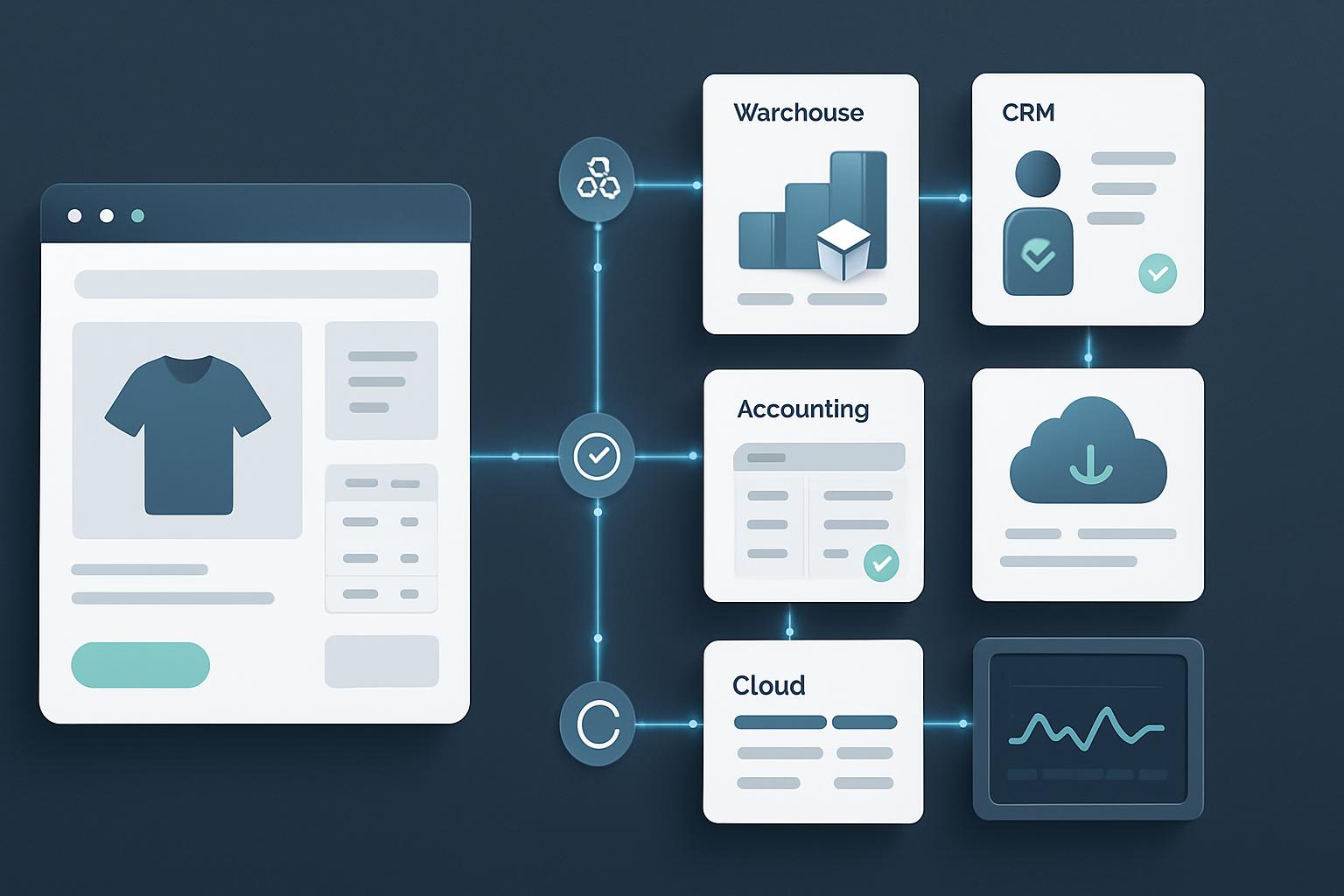
Customization is not only customer-facing. It can also reduce manual work behind the scenes. Integrations and automated workflows may connect your store with inventory systems, accounting platforms, customer relationship management tools, shipping providers, or marketing software.

When order data moves accurately between systems, teams spend less time copying information and correcting avoidable errors. Before building an integration, document the current workflow and identify where delays, duplicate entry, or inconsistent data occur.

Improved Ability to Scale

A store that works for a small catalog may struggle when the business adds products, locations, markets, or sales channels. Customization can create a more structured foundation for growth, provided the implementation is planned with future requirements in mind.

Scalable development usually prioritizes reusable components, clear data structures, maintainable code, and documented business rules. This is more sustainable than adding isolated fixes whenever a new problem appears.

Practical Examples of E-Commerce Customization

Example 1: A Custom Product Builder

A promotional products company may allow customers to choose an item, upload a logo, select print locations, preview the result, and request a quote. This type of workflow can reduce back-and-forth communication and help sales teams receive more complete inquiries.

Example 2: A Wholesale Buying Portal

A manufacturer selling to retailers may require login-based pricing, minimum order quantities, downloadable invoices, quick order forms, and repeat-order functionality. A wholesale portal designed around these requirements can be more useful than a consumer-focused storefront.

Example 3: Localized Shopping Experiences

A business serving multiple regions may need different currencies, languages, tax rules, shipping options, and content. Localization should be handled consistently across product prices, checkout, transactional emails, and customer support information.

How to Plan an E-Commerce Customization Project

1. Start With Business Problems

Begin by identifying the problems you want to solve. Useful questions include:

  • Where do customers abandon the shopping journey?
  • Which questions does your support team answer repeatedly?
  • What tasks are still handled manually?
  • Which products or customer groups need different rules?
  • What should the store support six to twelve months from now?

This approach keeps the project focused on outcomes rather than a long list of disconnected features.

2. Prioritize Features

Separate essential requirements from improvements that can wait. A simple priority framework can classify each feature by its customer value, business impact, technical complexity, and urgency.

For example, fixing a confusing checkout field may be more important than adding an elaborate animation to the homepage. Prioritization helps protect the budget and creates a clearer path to launch.

3. Review Platform Capabilities

Before commissioning custom development, check whether your e-commerce platform already supports the requirement through built-in settings or a reliable extension. Custom code may be appropriate when the feature is central to your business, requires unique logic, or cannot be implemented reliably with existing tools.

At the same time, too many extensions can create compatibility, performance, and maintenance concerns. Each addition should have a clear purpose and an ownership plan.

4. Map the User Journey

Document how different customers move from discovery to purchase and beyond. Include search, category browsing, product comparison, cart, checkout, delivery updates, returns, and repeat purchases.

Journey mapping can reveal gaps that are not obvious when individual pages are reviewed separately. It also helps designers and developers understand the context in which each feature will be used.

5. Test Before and After Launch

Testing should cover functionality, usability, responsiveness, accessibility, performance, security, and integrations. Test realistic scenarios such as applying a discount to a product with multiple options, placing a wholesale order, changing an address, or requesting a refund.

After launch, monitor analytics, search behavior, conversion paths, support requests, and customer feedback. Customization should be treated as an ongoing improvement process rather than a one-time project.

Common E-Commerce Customization Mistakes

  • Customizing without a clear objective: Features that do not solve a genuine problem can make the store harder to use and maintain.
  • Ignoring mobile users: Custom interfaces must work comfortably on smaller screens and slower connections.
  • Overlooking accessibility: Keyboard navigation, readable contrast, labels, focus states, and clear error messages support more customers.
  • Adding too many third-party tools: Unnecessary integrations can slow the site and complicate troubleshooting.
  • Failing to plan maintenance: Custom functionality needs documentation, updates, monitoring, and a responsible owner.
  • Skipping stakeholder input: Sales, fulfillment, customer service, and finance teams may identify requirements that are not visible from the storefront alone.

Choosing the Right Development Partner

An e-commerce development partner should be able to connect business goals with practical technical decisions. When evaluating a provider, ask how they approach discovery, user experience, integrations, testing, performance, security, and post-launch support.

Look for a team that explains trade-offs clearly and is willing to recommend a simpler solution when it meets the requirement. A strong partner should also provide a realistic project scope, transparent milestones, and documentation that helps your business manage the store over time.

Build a Store Around the Way Your Business Works

E-commerce customization can help your business create a more relevant customer experience, improve internal efficiency, and prepare for growth. The best results come from purposeful decisions: understand the audience, define the problem, prioritize the work, and test every important interaction.

If your current store feels limited by its theme, platform configuration, or disconnected systems, Sarrloop can help you evaluate the opportunities and plan a practical path forward. Contact Sarrloop to discuss a customized e-commerce experience designed around your business goals.

Related: JavaScript Development for Modern Businesses: Build Faster, Scalable Web Experiences

Related: API Integration for Businesses: A Practical Guide to Connected Systems

Related: Website Speed Optimization: Practical Ways to Improve Performance and Conversions

Need help with your website?
🚀 Hire Me for WordPress

How to Fix Shopify Webhook Failures and Keep Order Data in Sync

Shopify webhooks help external systems react to store events without constantly polling the Shopify Admin API. When an order is created, updated, fulfilled, cancelled, or refunded, Shopify can send an HTTP request to your application so your warehouse, CRM, accounting platform, or internal database can respond.

When webhook delivery fails, the effects can be serious. Orders may not reach a fulfillment system, customer records can become outdated, and duplicate processing may create incorrect invoices or inventory changes. The good news is that most webhook problems are traceable. A structured troubleshooting process can help you fix Shopify webhook failures and create a more reliable synchronization workflow.

Why Shopify Webhooks Fail

A webhook is only as reliable as every part of the delivery chain. Shopify must send the request, your public endpoint must accept it, your application must authenticate and process it, and any downstream service must complete its own task. A failure at any stage can interrupt order synchronization.

Common causes include:

  • The webhook URL is incorrect, unavailable, or not publicly accessible.
  • The endpoint returns a non-success HTTP status such as 401, 403, 404, 429, or 500.
  • The server takes too long to respond because it performs heavy processing before acknowledging the request.
  • HMAC verification fails because the application does not use the raw request body.
  • The app is listening for the wrong topic or using an unsupported API version.
  • Events are processed more than once because the application has no idempotency protection.
  • A downstream API, queue, database, or fulfillment service is temporarily unavailable.

Before changing code, identify whether the problem is delivery, authentication, application processing, or downstream synchronization. This prevents you from treating a server timeout as an API credential problem.

How to Fix Shopify Webhook Failures Step by Step

1. Confirm the Webhook Topic and Destination

Start by checking the webhook subscription in Shopify. Confirm that the topic matches the business event you actually need. For order synchronization, this may include topics such as orders/create, orders/updated, orders/cancelled, fulfillment events, or refund events.

Review the destination URL carefully. Check the protocol, domain, path, and environment. A common mistake is registering a staging URL, an old API route, or a localhost address that Shopify cannot reach from the public internet.

The endpoint should use HTTPS with a valid certificate and should not depend on a browser session, WordPress login, or an IP allowlist that blocks Shopify. If your application is behind a firewall, web application firewall, proxy, or CDN, review its access logs as well.

2. Inspect HTTP Status Codes and Server Logs

HTTP status codes usually provide the quickest clue:

  • 2xx: Shopify received a successful response. The event may still fail later inside your application, so check processing logs too.
  • 401 or 403: Authentication, authorization, firewall rules, or HMAC validation may be rejecting the request.
  • 404: The route does not exist, or a proxy is forwarding the request incorrectly.
  • 408 or 5xx: The server timed out, crashed, or returned an application error.
  • 429: Your endpoint or a downstream service is rate-limiting requests.

Match the failure time with web server, application, queue, and database logs. Record the Shopify webhook ID, topic, shop domain, response status, processing duration, and internal error message. These fields make it much easier to distinguish one failed event from a broader outage.

3. Return a Fast Success Response

Your webhook endpoint should acknowledge receipt quickly. Do not make Shopify wait while your application creates an invoice, updates several database tables, calls a warehouse API, and sends an email.

A better pattern is:

  1. Receive the request.
  2. Read and verify the payload.
  3. Store the event in a durable database table or message queue.
  4. Return a successful response.
  5. Process the event asynchronously with a worker.

For example, a Laravel application could place a verified webhook payload on a queue and let a background job update the order system. A Node.js service could write the event to a queue such as Redis, RabbitMQ, or a cloud messaging service. The exact technology matters less than separating fast webhook acknowledgement from slower business operations.

Do not return a success response before the payload is safely stored. Otherwise, a process crash immediately after the response could cause permanent data loss.

4. Verify HMAC Correctly

Shopify webhook requests include an HMAC signature that allows your application to confirm the request came from Shopify and was not modified in transit. Verification must use the webhook secret and the exact raw request body.

A frequent implementation error occurs when a framework parses JSON and re-serializes it before verification. Even small formatting changes can produce a different signature. Capture the raw body first, calculate the HMAC using SHA-256, and compare it using a timing-safe comparison method.

Also check that the application is using the correct secret for the store and environment. Development, staging, and production credentials are often different. Avoid logging the secret or the full customer payload in production logs.

5. Make Event Processing Idempotent

Webhook delivery can be retried, and network problems can make a successful operation appear unsuccessful to the sender. Your system must assume that the same event can arrive more than once.

Use the webhook ID, event ID, or another reliable event identifier as an idempotency key. Store it in a database table with a unique constraint. When the same event arrives again, your application can recognize it and avoid creating a second order, duplicate invoice, or repeated inventory adjustment.

For example, a simple event table might contain:

  • event_id
  • shop_domain
  • topic
  • payload_hash
  • status
  • attempt_count
  • received_at and processed_at

Idempotency should also exist in downstream integrations. If a warehouse API does not support duplicate protection, keep a local record of the external operation and confirm its status before retrying.

6. Handle Retries and Temporary Failures

Not every failure should be treated as permanent. A database timeout, temporary API outage, or rate limit may succeed a few minutes later. Build controlled retries into your worker rather than repeatedly retrying inside the webhook request.

Use exponential backoff, a maximum attempt count, and a dead-letter or failed-events queue. Permanent errors, such as an invalid order mapping or missing required field, should be separated from temporary infrastructure errors. Send an alert when an event enters the failed queue so someone can review it.

When retrying an event, use idempotency protection. A retry should attempt to complete the original operation, not create another operation from scratch.

7. Check API Versions and Payload Assumptions

Shopify API versions change over time. Fields, payload structures, and supported topics may change as older versions are retired. If your code expects a field that is no longer included or has changed format, the webhook may be delivered successfully but fail during processing.

Review the API version configured for the webhook and compare the real payload with your application schema. Do not assume that every order contains the same values. Test orders, draft conversions, discounts, taxes, shipping lines, refunds, customer information, and international addresses can expose mapping problems.

For data that is not available in the webhook payload, use the Shopify Admin API after receipt. Keep this follow-up request controlled and authenticated, and respect API rate limits.

Keeping Shopify Order Data in Sync

Use Webhooks for Change Detection, Not as Your Only Database

Webhooks are excellent signals that something changed, but they should not be your only recovery mechanism. Maintain a synchronization process that can compare Shopify orders with your external system and repair missing or outdated records.

A practical design combines real-time events with periodic reconciliation. The reconciliation job can retrieve orders updated after a stored timestamp, compare key fields, and queue corrections. Include a small overlap window to account for clock differences and delayed processing, while relying on idempotency to prevent duplicates.

Track Order State Carefully

Order synchronization is more complex than copying an order number and total. Depending on your business, track payment status, fulfillment status, cancellation state, refunds, line items, shipping address, customer details, discounts, taxes, and inventory-related changes.

Use Shopify’s order identifier as the source reference and store your own internal identifier separately. Do not use an email address as the primary key because customers can change email addresses and multiple orders can share one address.

Plan for Event Ordering

Events may not always be processed in the same order they were generated. For example, an order update could be delayed while a fulfillment event is processed first. Store event timestamps and fetch the latest order state when necessary. Your worker should avoid overwriting newer information with an older payload.

For critical workflows, compare the event’s version or update timestamp with the last synchronized record. If the incoming event is older, record it for audit purposes but do not blindly replace current data.

A Practical Debugging Checklist

When you need to fix Shopify webhook failures, work through this checklist:

  1. Confirm the webhook topic and API version.
  2. Verify that the URL is correct, public, and protected by HTTPS.
  3. Check Shopify delivery information and your server access logs.
  4. Review response codes, timeouts, firewall rules, and proxy behavior.
  5. Confirm that the raw request body is used for HMAC verification.
  6. Check the webhook secret and store credentials for the correct environment.
  7. Return a fast success response after durable event storage.
  8. Process the event through a queue or background worker.
  9. Add idempotency keys and database uniqueness rules.
  10. Monitor failed jobs, retries, rate limits, and downstream API responses.
  11. Run a reconciliation job to find missed or inconsistent orders.

Test with a development or staging store where possible. Use controlled test orders and verify the complete journey from Shopify to your database, queue, business logic, and external system.

Monitoring and Prevention

Reliable webhook integrations need ongoing monitoring. Track delivery failures, processing latency, queue depth, retry counts, duplicate events, and reconciliation differences. Set alerts for repeated failures instead of waiting for a customer or warehouse team to report a missing order.

Keep structured logs that exclude unnecessary personal data. Protect customer information, restrict access to logs, and define an appropriate retention period. Document the webhook topics, credentials, API versions, retry behavior, and manual recovery procedure so another developer can operate the integration safely.

For complex integrations, a small internal dashboard can show received events, processing status, failure reasons, and the related Shopify order ID. This turns an invisible background process into something your team can inspect and repair.

Frequently Asked Questions

Why is my Shopify webhook returning a 401 error?

A 401 usually indicates an authentication or signature-verification problem. Check the webhook secret, the raw request body, the HMAC algorithm, and whether middleware is changing the payload before verification. Also confirm that the request is reaching the intended application environment.

Should a webhook endpoint perform the full order sync immediately?

Usually, no. The endpoint should validate and durably store the event, then return a success response. A queue worker can perform the slower order sync with retries and better error handling.

How do I prevent duplicate Shopify orders in my external system?

Use a unique Shopify order ID and an idempotency key for each webhook event or business operation. Enforce uniqueness at the database level and check existing records before creating an external order.

What should I do when a webhook is delivered successfully but the order is still missing?

Check application and queue logs after the HTTP response. The event may have been accepted but failed during background processing. Compare the order with Shopify through a reconciliation job and safely replay the stored event after correcting the underlying issue.

Can I rely on webhooks alone for permanent synchronization?

No integration should assume that events are the only recovery path. Combine webhook-driven updates with logging, idempotent processing, failed-event replay, and periodic reconciliation against Shopify.

Conclusion

To fix Shopify webhook failures, begin with delivery diagnostics, then secure the endpoint, verify HMAC signatures, acknowledge requests quickly, and process events asynchronously. Idempotency, controlled retries, API-version awareness, and reconciliation are what keep order data accurate over time.

Whether your integration uses Shopify Liquid, PHP, Laravel, JavaScript, WordPress, WooCommerce, or a custom API service, the same principles apply: make events observable, make processing repeatable, and design for temporary failure. With that foundation, Shopify can remain a dependable source of order events for the systems your business relies on.


Need Help With Your Website?

Need professional help with
web development services?
Sarrloop provides custom web development,
troubleshooting and e-commerce solutions.


View My Fiverr Service →

Chat with us
Sarrloop © 2026. All Rights Reseved. Developed by Sarrloop.